
Export a backlog to Excel with parent and child rows
Export to CSV from a query gives one flat list. To see Epics, Features, Stories and Tasks as a tree in Excel, the rows need levels.
Steps
- Save a Tree of work items query (or use a backlog), with the columns you want.
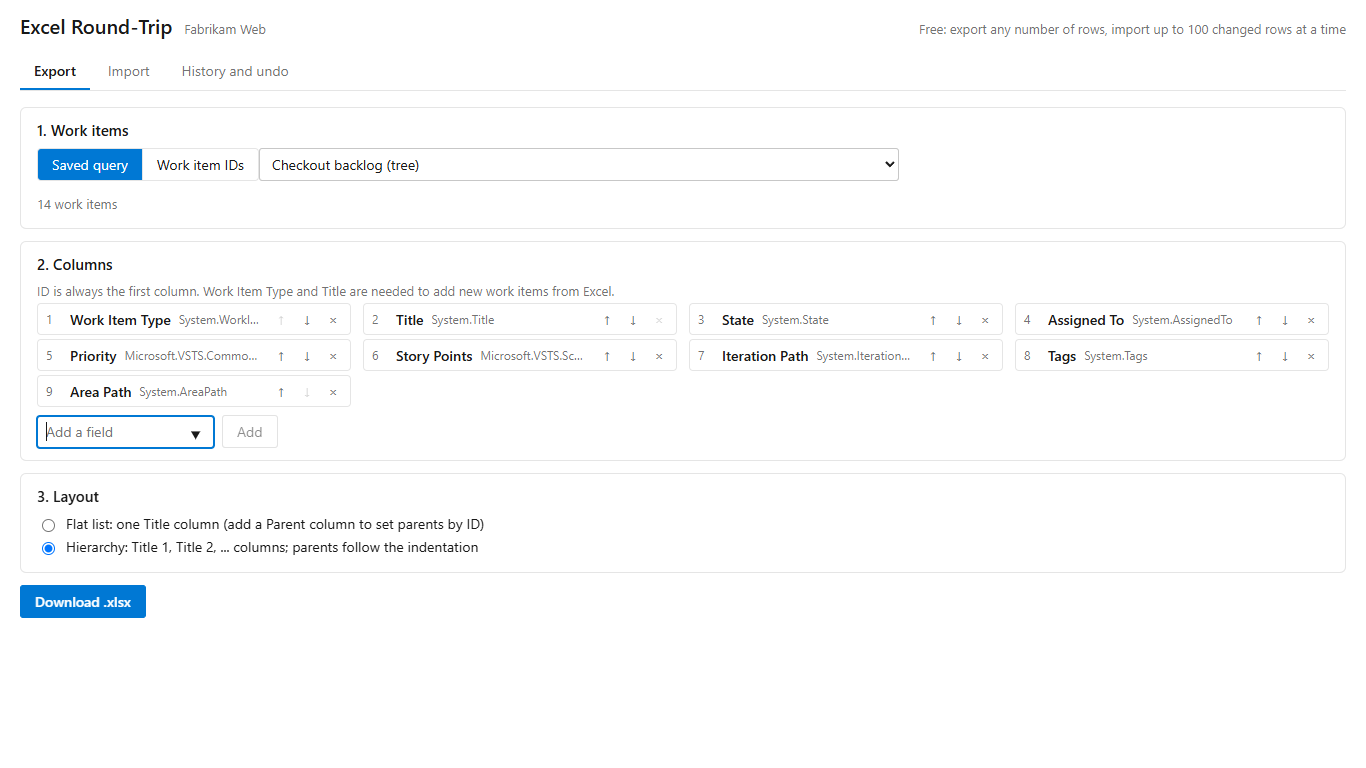
- Open Boards, Excel Round-Trip, choose that query and the hierarchy layout. Or select items on a backlog and choose Export to Excel (Round-Trip).
- Download the .xlsx. Each level gets its own title column: Title 1 for the top, Title 2 for its children, Title 3 below that.
Prefer one title column? Choose the flat layout, which adds a Parent ID column instead.
Change the tree in Excel
Move a row's title to another column, or under another parent, and the upload shows it as a parent change. Apply re-links it in Azure DevOps. Undo puts the old parent back.
Get Excel Round-Trip on the Visual Studio Marketplace (free up to 100 changed rows per import).
Excel Round-Trip is made by LeDuc Systems LLC and is not affiliated with Microsoft.